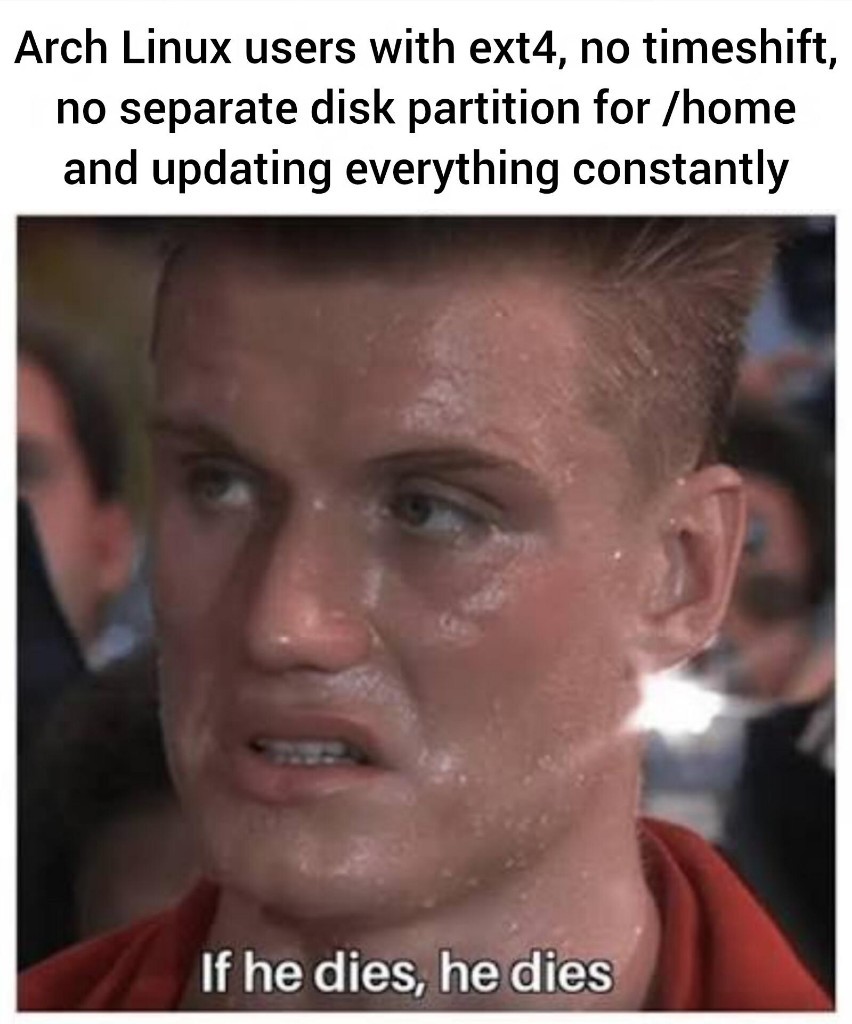
I ran linux with ext2, no timeshift, and home on the root partition. Back then when I ran the machine on kernel 0.97.
Even ext4 still has safety measures (BLOAT!11!!1) because of journaling.
This is why i compile my kernels on ext2 with without swap for maximum utilization /j
I made a /home partition on eOS at least! But given that the drive is only 128G, I don’t store much in it that isn’t synced from desktop.
How do you know about me.
💀
This is my setup that I have been using for years. I have never had a serious Linux update issue that could not be fixed.
Well la dee da look at this guy who knows how to fix linux!
Yeehaw!
I, too, am familiar with the art of grub rescue env!
I have seen its darkest depths.
And oh how deep they doth go!
Rule of thumb I adopted: If you never update arch, it will never break.
Exactly. Nothing of importance is stored solely there anyway.
And for me I need every single GB for installing games, no space left for backup management.
I run a live real time dist straight into ram. I communicate with Linux telepathically.
Non-issue. I just scatter fragments of my data across so many devices that some version of something is bound to be somewhere. ¯\_(ツ)_/¯
This is me with endeavourOS lmao. Anything important is on my mega/Codeberg. If it dies it dies
the one thing i wish i knew when i first installed linux was to put /home on another drive (i do symlink downloads and anything else now but i wish i did it on my desktop when i first switched)
Are you meaning on a different partition or a completely different hard drive?
well my desktop has the main ssd where i installed it too but that is pretty small while the second drive is something like 2tb so that’s where i would have put it. its honestly not bad now i had a brief panic where it ran out but ive symlinked a lot in /home over to the new place its just wish i understood the advanced partitioning when i first set it up that’s all.
Not too difficult to fix this in post.
- Turn off, boot from a USB
- Copy all home to drive
- Delete home from old drive
- Add fstab entry
- ???
- Lose all data (but usually profit)
You say it’s not too difficult, but, I guarantee you, if I tried to do this, I’d lose not only my /home, but also my game drive. I’m that kind of dumb.
if it breaks, just fix it
A separate partition for /home/
Why haven’t I thought of this before??
you can use it to (sometimes) transplant your personal config and documents onto another OS, but it comes with the tradeoff of losing space in root that might be used for massive libraries (compute libraries suck in this regard).
And sometimes your /home will depend on things that your rootfs doesn’t have, which has caused problems for me before. But if you planned for these things beforehand, and your installed software doesn’t do something really dumb, it can work out pretty well, although my personal experience with this is limited to effectively embedded Linux where this is usually a non-issue.
Timeshift? BTRFS Snapper layout!
Nah. We just know how to boot a broken system and fix it.