This is not a SFW instance. NSFW communities will be tagged, and efforts will be made to keep SFW communities clean, but proceed at your own comfort level.
This is not accurate, files will sometines be set to “online only” automatically. I had 1 Tb of one drive storage for many years, when I decided to stop using it I had to download houndreds of gigabites of my own files (which took weeks as microslop throttles onedrive downloads)
So many files may be on your system, but if you use it for long enough you’ll find many of your files are online only
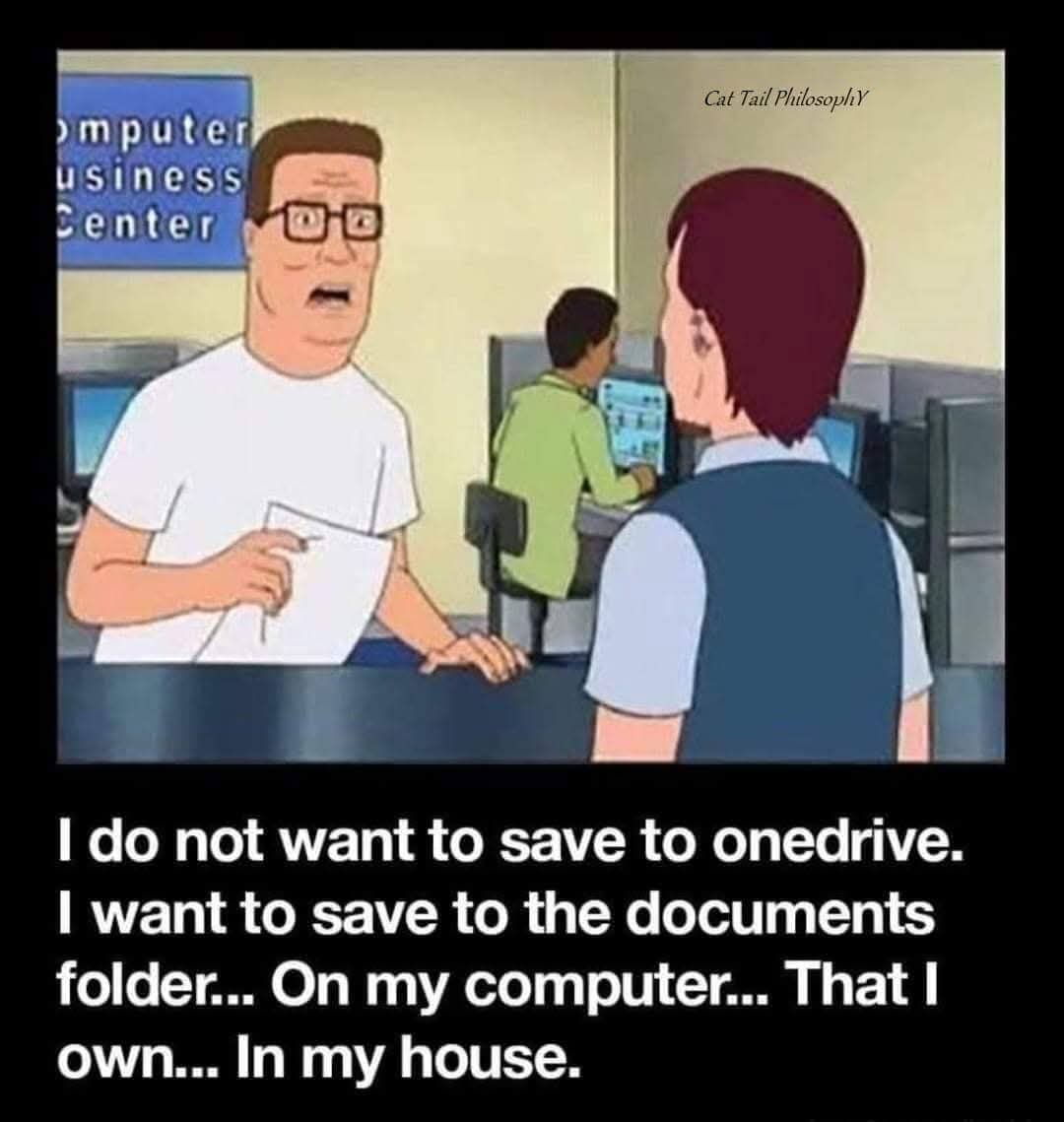
Except it is on your local machine. It’s also backed up online and accessible from other machines on your account.
Microsoft will not allow you to enable the auto save feature unless the location is part of OneDrive.
You can manually save to a local store, but that is it.
There are some work around, but it shouldn’t be necessary in the first place.
The one drive folder is still a local folder as well. This meme is just stupid and ignorant.
It’s saved locally and automatically backed up.
You can view it offline and online.
You don’t need to manually save it locally as well, it already is.
Except that word/excel refuse to let me enable “auto save” unless the file location is in a folder that is part of OneDrive.
The only thing ignorant is your comment.
This is not accurate, files will sometines be set to “online only” automatically. I had 1 Tb of one drive storage for many years, when I decided to stop using it I had to download houndreds of gigabites of my own files (which took weeks as microslop throttles onedrive downloads)
So many files may be on your system, but if you use it for long enough you’ll find many of your files are online only