This is not a SFW instance. NSFW communities will be tagged, and efforts will be made to keep SFW communities clean, but proceed at your own comfort level.
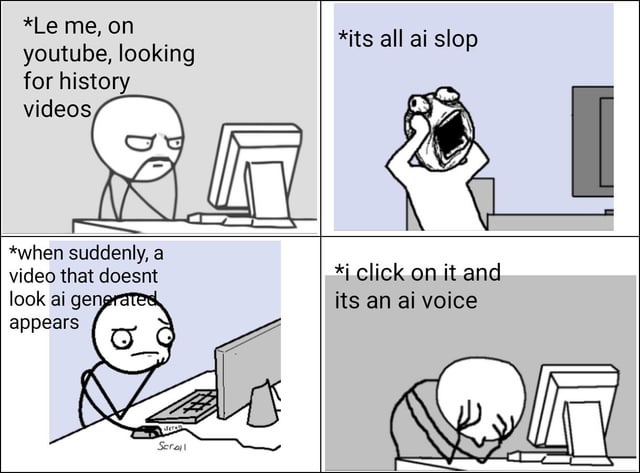
So some tricks and tips to ensure YouTube learns what videos you really want:
Turn off autoplay, don’t let it go down an algorithmic rabbit hole only allow it to see what you really want and click on
Turn off the hover play on PC, this is annoying mouse over counts as watching they will be in your history despite no audio and you just had the mouse over it… Again gives all sorts of slop in your history
Subscribe to channels you like, yes YouTube will quickly learn if you binge a specific channel you like the creator and put it on your home feed, but if the home feed is a bit too much slop you want to be able to just look at your subs
When you find that AI slop video and more from the same creator exists in your feed use the do not recommend this channel feature
there is also a do not recommend video good for some evil click bait titles that Google tries to show you for weeks and still not interested
the last two if it’s persistent use the tell more/tell why
It’s a long list but it’s really 90% is the first two so your views are deliberate, sticking to subs is not a bad idea if the algorithm is particularly frustrating at the moment as it will also help limit the random walk. What anoys me the most is the first two are not account settings rather cookies so every new device I need to tell YouTube how to behave.
So some tricks and tips to ensure YouTube learns what videos you really want:
It’s a long list but it’s really 90% is the first two so your views are deliberate, sticking to subs is not a bad idea if the algorithm is particularly frustrating at the moment as it will also help limit the random walk. What anoys me the most is the first two are not account settings rather cookies so every new device I need to tell YouTube how to behave.